How to manage the vendors list
Managing vendors requires the Admin permission in the Inventory or Equipment module, or system admin rights. Users with other permission levels cannot open the vendors list.
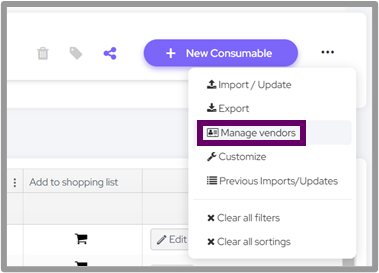
To open it, go to the index page of any collection, or the equipment index page, and select settings menu > Manage vendors.
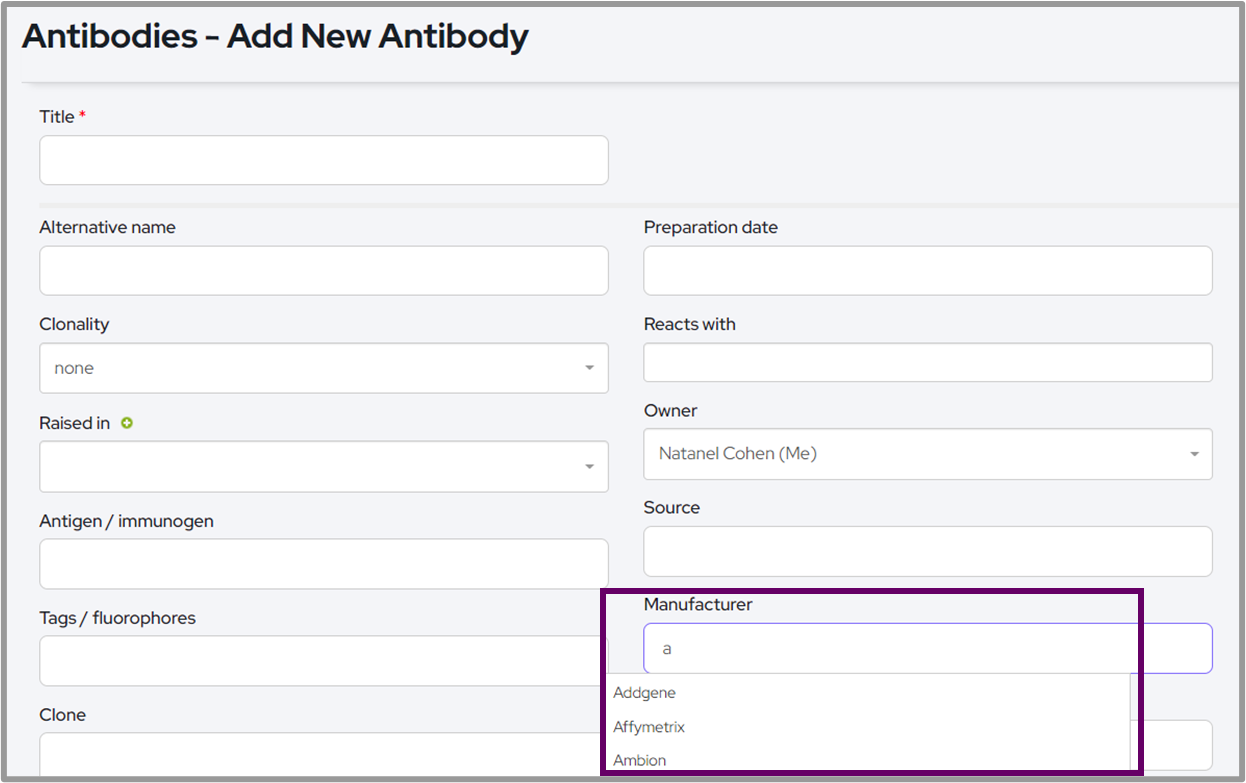
The manufacturers/vendors from this list will be suggested when adding new items to any of the collections under the manufacturer field.
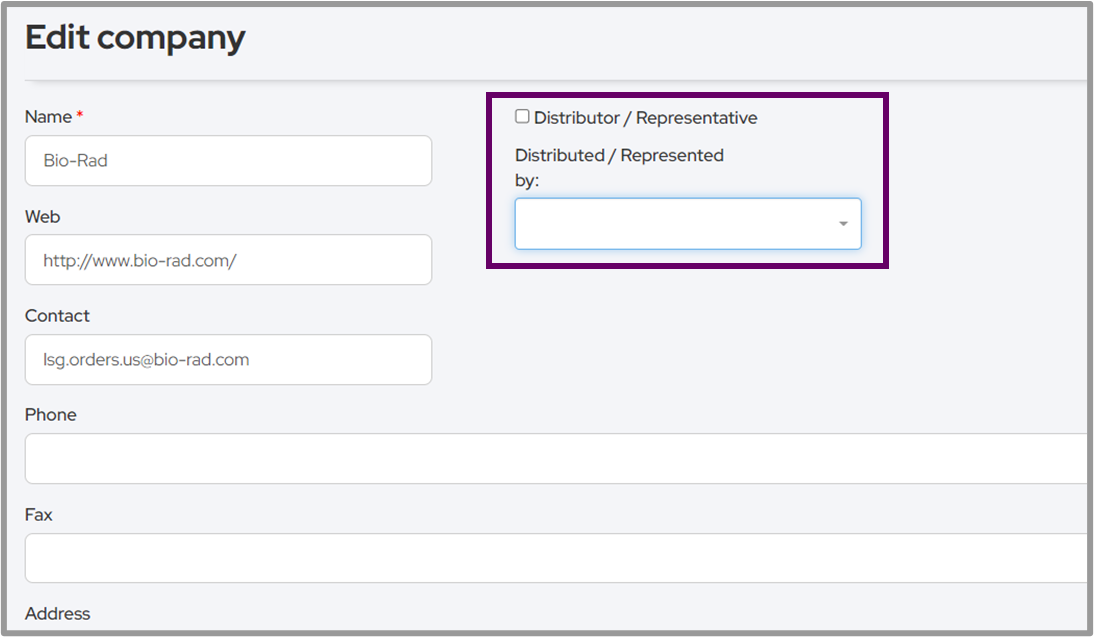
It is possible to edit each vendor to update the contact information. In addition using the checkbox Distributor / Representative is possible to mark a company as such.
Using the drop down menu it is possible to choose if the current company is Represented by another vendor from the list
Comments
0 comments
Please sign in to leave a comment.