Create permission to view and edit your protocols
In addition to granting permissions in experiments, you have the option to choose which users can edit and view your protocols.
To grant view & editing permissions in protocols
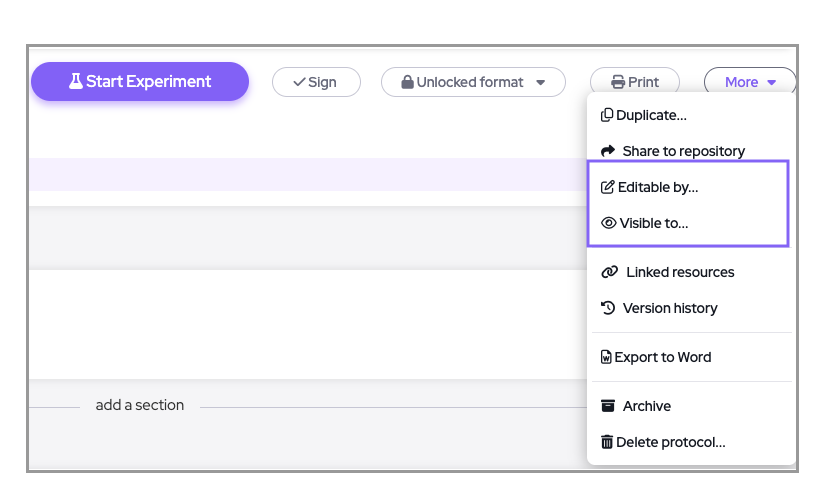
1. Within the protocol page go to 'More' menu and choose 'Visible to':
2. Select who will have view permissions:
All members are selected by default. You have the option to remove/add from your member's list.
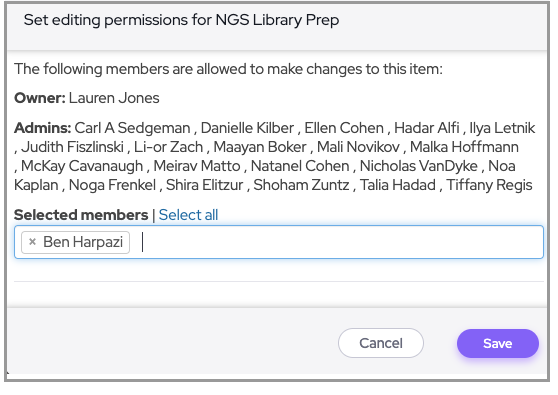
The owner of the account and admins will always be selected and cannot be removed.
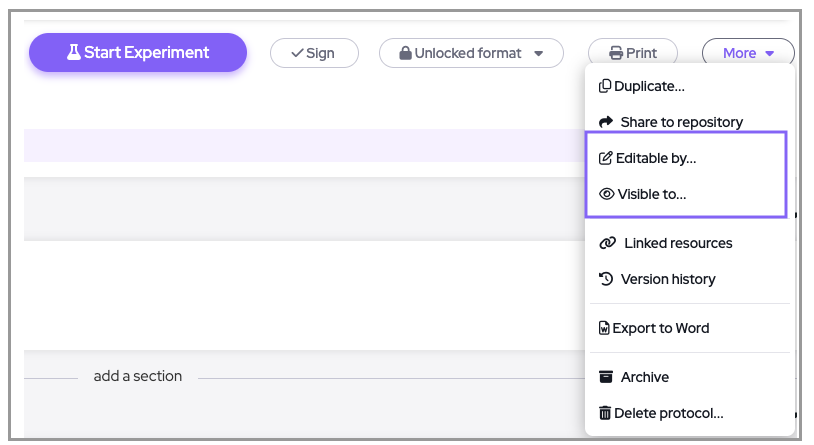
3. Select who can edit the protocol:
The chosen members can view the protocol but still cannot edit until they are granted editing permissions by choosing 'Editable by'.
Comments
0 comments
Please sign in to leave a comment.