Prevent changes in your protocol samples by your collaborators when they are added to an experiment.
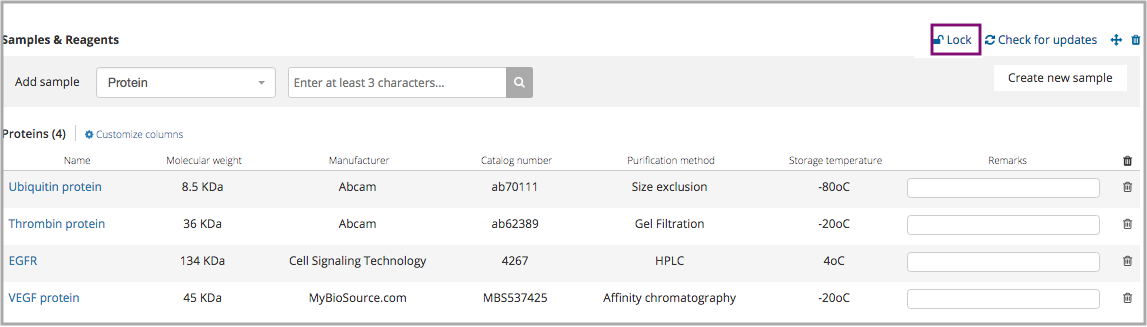
In order to create a rigid protocol structure, you have the option to lock sample elements that were added to a protocol section.
When the end users add this protocol to an experiment, they cannot change the samples selection but only choose stocks.
To Lock your samples:
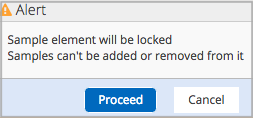
After adding sample elements to a protocol section, you can secure them by clicking on the "lock" icon
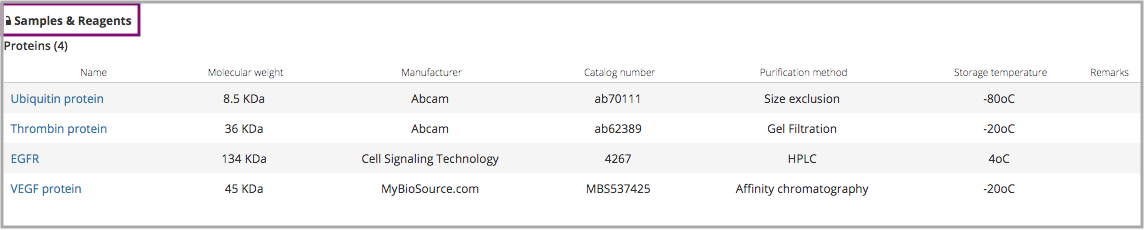
Once the samples are locked, other account members won't be able to add, remove or edit them. Only the protocol owner and admins are able to unlock the element.
In the experiment page the sample element, that belongs to the protocols added, will appear as locked. Samples can't be removed but stocks can be added to each one.
Comments
0 comments
Please sign in to leave a comment.